Where It Excels
Fast visual commit history, practical merge/rebase support, and straightforward day-to-day Git controls.
Developer Tool Deep Dive
Fork is a fast desktop Git client that balances a clean UX with advanced Git controls, often used by teams that want a one-time license model rather than recurring subscriptions.
Fast visual commit history, practical merge/rebase support, and straightforward day-to-day Git controls.
Smaller ecosystem than mainstream tools, and paid licensing after evaluation for ongoing use.
Good fit for trunk-based and GitHub Flow with short-lived branches and required PR approvals.
Works as local Git productivity layer while FlexDeploy governs build-once promotion and deployment rollback.
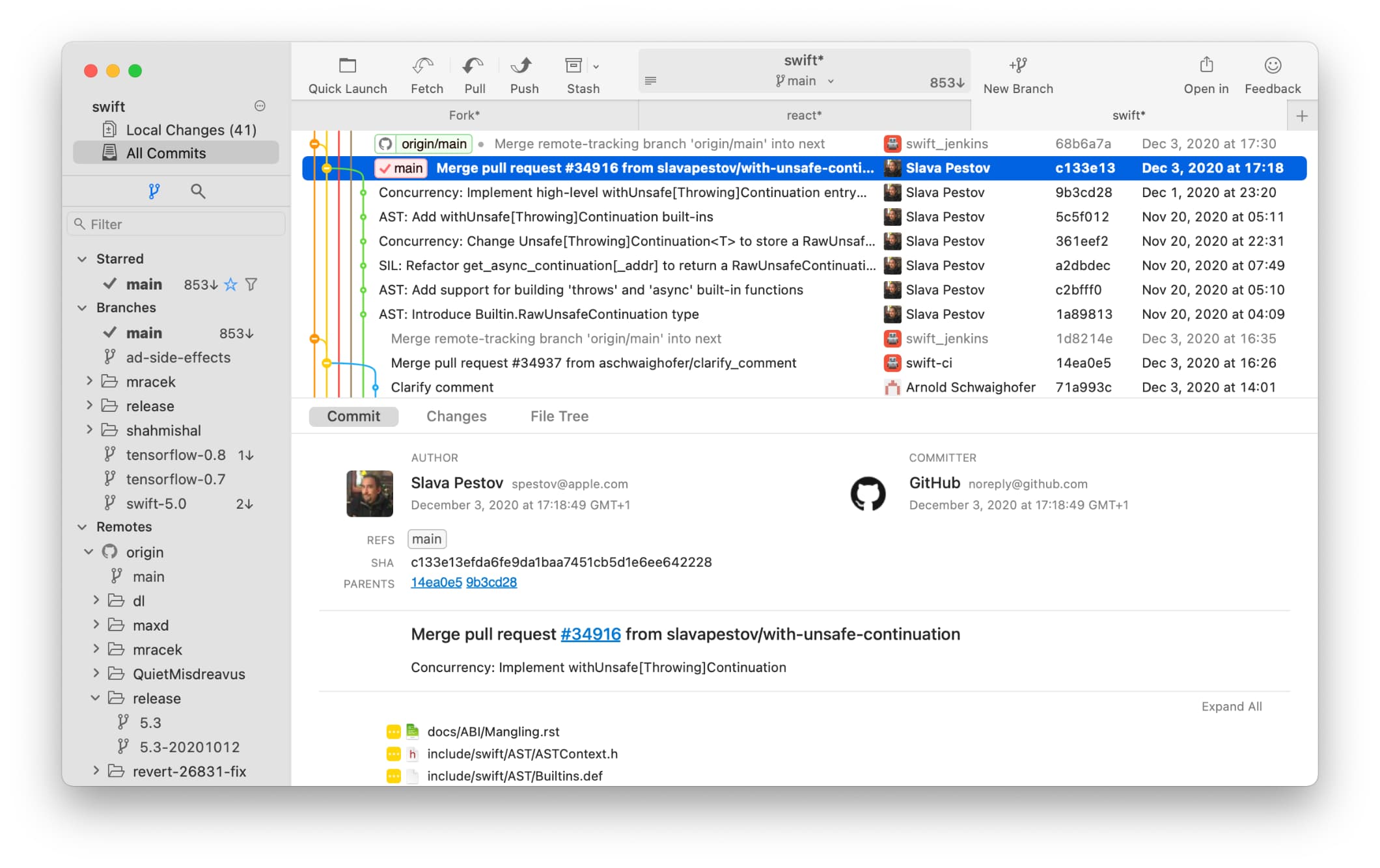
Developers commit and sync frequently with clear diffs and branch context in a responsive UI.
Teams prep branch quality locally and rely on host-side approvals and checks for merge control.
Teams prepare rollback-history or forward-fix branches while deployment rollback executes via FlexDeploy.