Where It Excels
Direct file-system integration, quick commit/pull/push actions, and practical Windows-native operations.
Developer Tool Deep Dive
TortoiseGit is a Windows shell-integrated Git client. It is commonly used in enterprise Windows environments where right-click workflows and file-explorer integration are preferred.
Direct file-system integration, quick commit/pull/push actions, and practical Windows-native operations.
Windows-only footprint and more traditional UI compared to newer cross-platform developer tools.
Works well with trunk-based and GitHub Flow if teams still rely on PR approvals in the Git host.
Effective for local preparation while promotion orchestration and rollback remain governed in FlexDeploy.
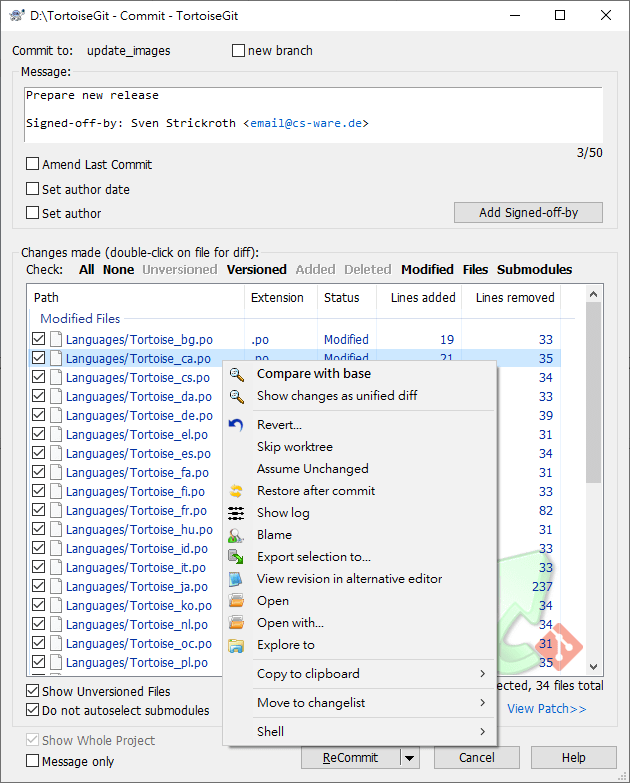
Developers commit directly from Windows Explorer with staged file control and diff checks.
Short-lived feature branches can be created, switched, and merged through guided dialogs.
Useful for identifying bad commits before opening rollback PR paths in the protected remote repository.