Where It Excels
Branch graph visibility, interactive staging, conflict inspection, and repository diagnostics.
Developer Tool Deep Dive
SourceTree is a desktop Git client from Atlassian focused on visual branch history, commit-level control, and repository operations without heavy CLI usage.
Branch graph visibility, interactive staging, conflict inspection, and repository diagnostics.
Large UI surface area can feel heavy for developers who only need lightweight commit and sync tasks.
Good fit across trunk-based, GitHub Flow, and Git Flow when PR policies remain enforced in the Git host.
Strong local companion while webhooks, approvals, and build-once promotion are handled by Git host + FlexDeploy.
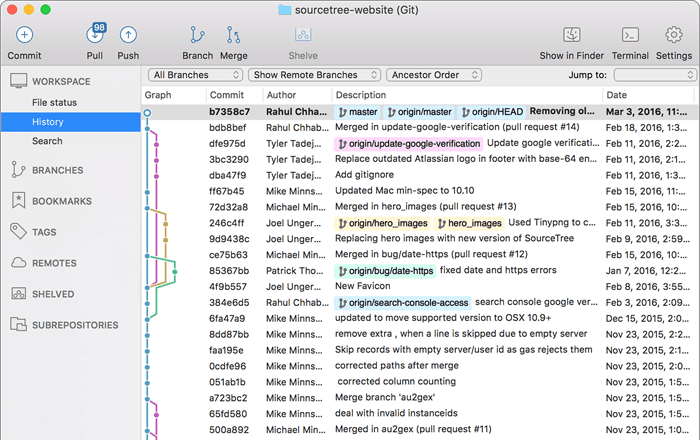
Developers stage hunks, review diffs, and commit feature branches with clear visual feedback.
Release leads inspect branch relationships and isolate late-release fixes with less merge confusion.
Teams inspect commit lineage before generating a revert branch and opening a rollback PR.