Where It Excels
Fast commit and branch actions, integrated diff view, and extension ecosystem for host-specific workflows.
Developer Tool Deep Dive
VS Code combines lightweight editing with integrated Source Control and terminal workflows, giving teams a flexible Git experience that scales from beginner to advanced usage.
Fast commit and branch actions, integrated diff view, and extension ecosystem for host-specific workflows.
Some advanced history operations still require CLI or external tooling for heavy Git surgery tasks.
Strong fit for trunk-based and GitHub Flow teams favoring short-lived branches and PR delivery.
Works well with webhook-triggered FlexDeploy pipelines where policy remains centralized in host settings.
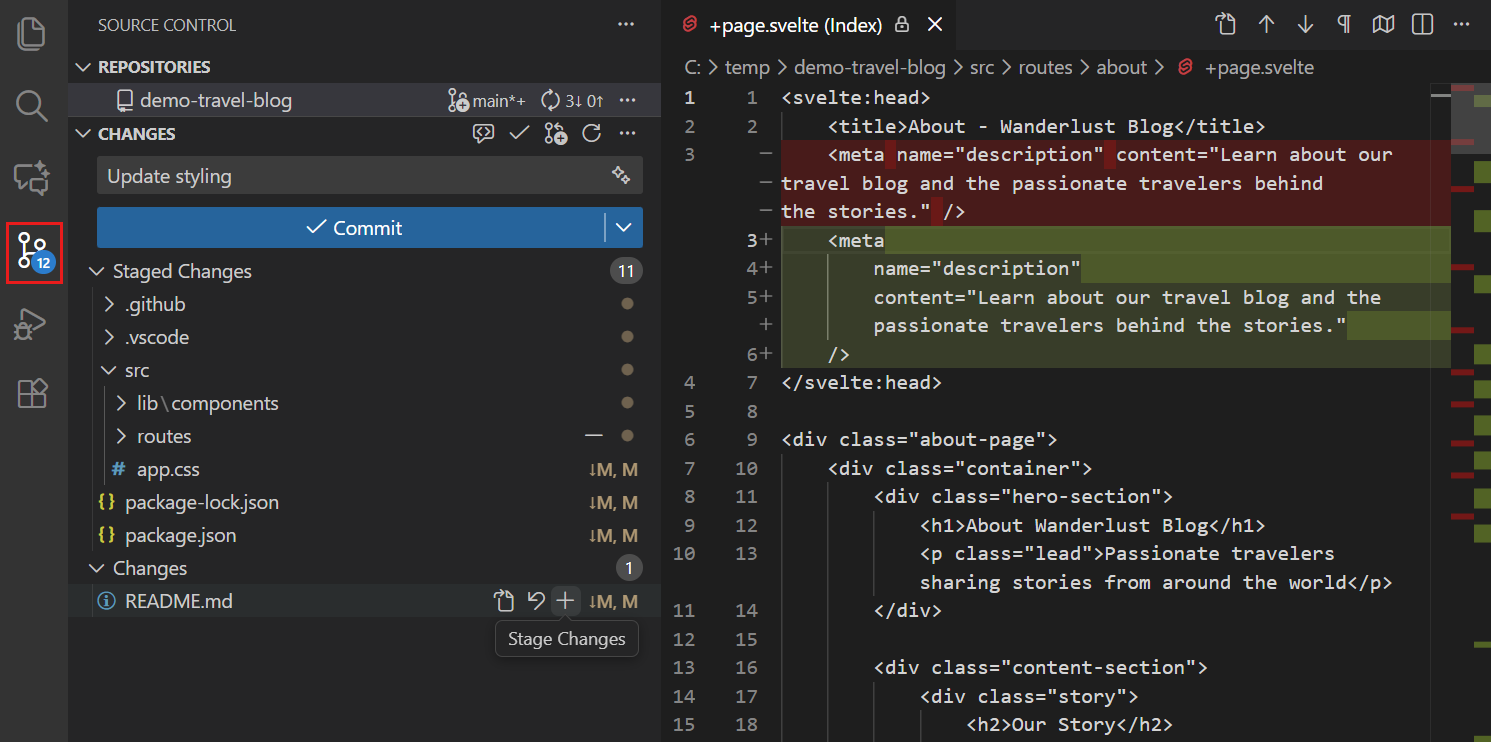
Developers commit incrementally, inspect diffs, and switch branches from within editor context.
Teams prepare clean branch state locally, then open pull requests in the Git host with required checks.
Developers prepare revert or forward-fix branches while keeping deployment rollback execution in FlexDeploy.