Where It Excels
Integrated branch management, commit review, and pull request workflow without leaving the IDE.
Developer Tool Deep Dive
Visual Studio provides integrated Git, branch, and pull request workflows directly inside the IDE, making it practical for enterprise teams that prefer all coding and Git actions in one tool.
Integrated branch management, commit review, and pull request workflow without leaving the IDE.
Heavier footprint and licensing complexity on paid tiers for teams that only need lightweight Git GUI.
Works well with trunk-based, GitHub Flow, and Git Flow when protected branch policy stays in the host.
Strong enterprise fit where Git actions remain local and FlexDeploy controls build/promote/rollback execution.
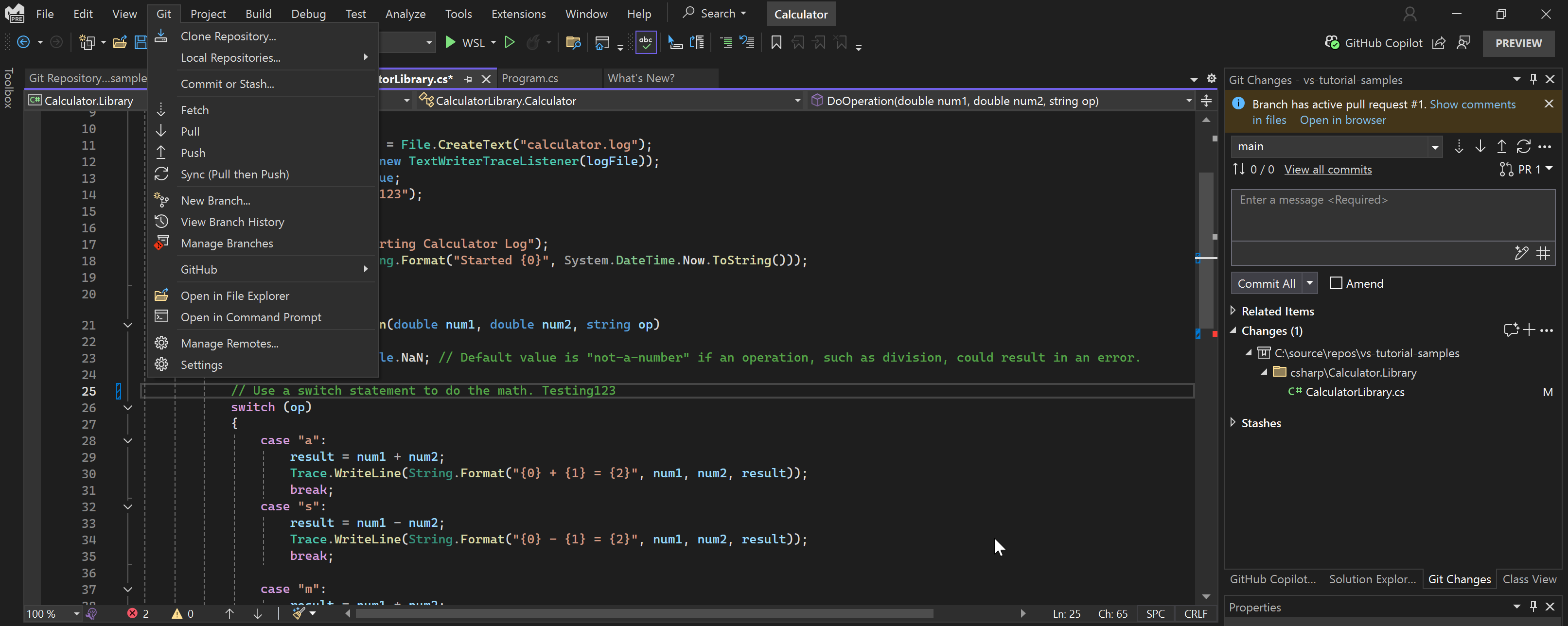
Developers create branches, stage files, commit, and sync from inside the IDE during regular coding flow.
Teams prepare and open pull requests while relying on host-side approvals and branch protections.
Developers prepare fix or rollback-history branches rapidly, while deployment rollback remains in FlexDeploy.